

Did you know that with iOS 18, you can control your iPhone with just your eyes? Yes, you read that right. It’s not science fiction; it’s the reality that Apple has brought us with its latest update. In every new version of iOS, Apple surprises us with accessibility features that not only make technology more inclusive but also allow us all to use our devices in innovative ways. But what iOS 18 has achieved with eye-tracking is truly impressive.
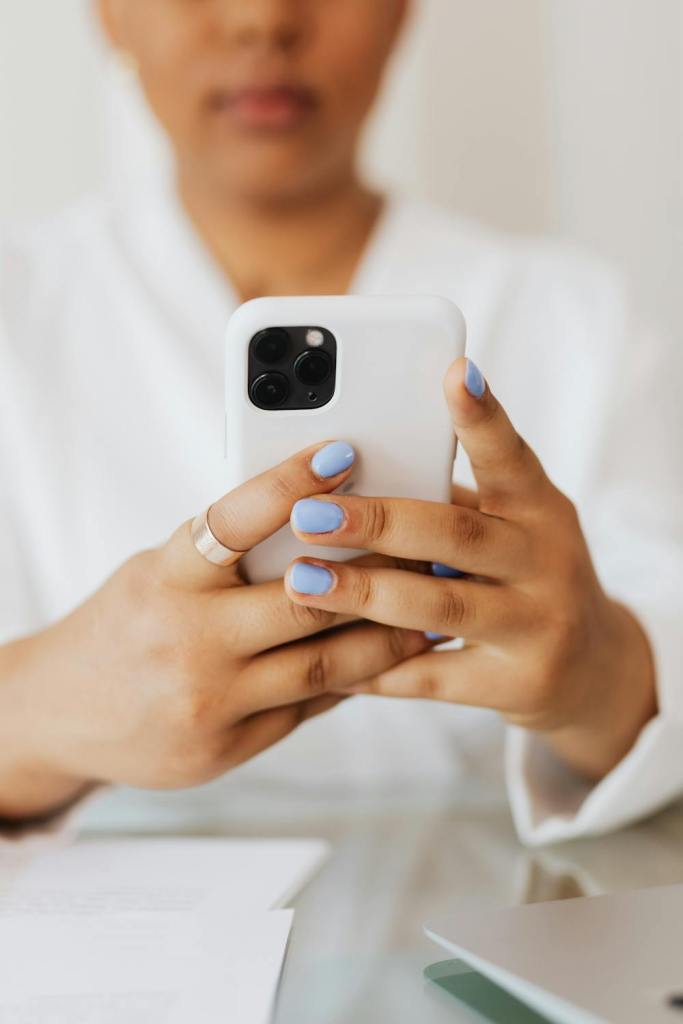
A Feature from the Future, Today: Control Your iPhone with Your Gaze
Controlling the iPhone with your eyes sounds like something out of a futuristic movie, but it’s already a reality with iOS 18. Among the many new features this version brings, the arrival of Apple Intelligence, advanced home screen customization, and improvements for the AirPods stand out. However, in my opinion, the most intriguing feature is the ability to control your iPhone or iPad with just your eyes.
| Feature | Details |
|---|---|
| Apple Intelligence | Advanced optimization of the device through AI. |
| Eye-Tracking | Control the iPhone using your gaze. |
| Home Screen Customization | New options to personalize the home screen. |
| AirPods Improvements | Enhanced and more customizable features. |

How Eye-Tracking Works in iOS 18
The eye-tracking feature isn’t entirely new for those who have already tried the Apple Vision Pro. This function allows you to control the device with your gaze, which is especially useful in situations where you can’t touch the screen. To activate it, just follow these steps:
- Install iOS 18.
- Go to Settings > Accessibility.
- Enter Eye-Tracking and activate it.
The setup process is simple: follow a series of colored dots on the screen with your eyes. I wear glasses, and I had no trouble calibrating it, and those with perfect vision or who wear contacts will probably experience even smoother performance.
| Steps to Activate Eye-Tracking | Description |
|---|---|
| 1. Install iOS 18 | Download and install the latest version of iOS. |
| 2. Settings > Accessibility | Navigate to the accessibility section. |
| 3. Activate Eye-Tracking | Configure eye-tracking by following the dots on the screen. |

A World of Possibilities at Your Fingertips
Navigating your iPhone with just your gaze is a unique experience. Imagine cooking with your hands full or at the beach avoiding getting your device wet. By simply fixing your gaze on an app or menu, you can select, scroll, and even trigger key functions like the control center or return to the home screen. It’s almost like you’re a magician controlling technology with your mind.

MundoVirtual’s Perspective
At MundoVirtual, we see this feature as a significant step towards the future of technology being accessible to everyone. Apple has masterfully integrated innovations that not only benefit people with disabilities but also allow all of us to experience a new level of interaction with our devices. These kinds of advancements not only enhance user experience but also bring us closer to a world where technology is truly inclusive.
| Usage Scenarios | Benefit of Eye-Tracking |
|---|---|
| Cooking | Control without needing to touch the screen. |
| Beach/Pool | Avoid getting your iPhone wet while using it. |
| Hands Full | Operate the device without physical interaction. |

User Opinions
The initial reactions from users who have tested this feature are overwhelmingly positive. Many express surprise and admiration for how intuitive the eye control is, while others consider it an indispensable tool in their daily lives. This feature has been described as “the next big leap in accessibility” by many in the tech community.
How to Install iOS 18 and Try Eye-Tracking
If you’re wondering how to install iOS 18 to try this feature before anyone else, here’s how:
- Visit beta.apple.com and sign in with your Apple ID.
- On your iPhone, go to Settings > General > Software Update.
- Activate the public beta and download iOS 18.
Within minutes, you’ll be ready to explore all the new features. Although it’s a beta version, most users report stable performance, so you shouldn’t have major issues.
Conclusion
Eye-tracking in iOS 18 isn’t just a feature; it’s a new way to interact with your technology. I invite you to try it out and discover how it can make your life easier, whether you need it due to a physical limitation or simply out of curiosity. And if you want to stay updated on all the upcoming tech innovations, I recommend you subscribe to my social networks and our page at MundoVirtual to not miss any details.
- Meta presenta Muse Charm: el dispositivo de bolsillo que quiere sacar la IA del teléfono

- Lioness temporada 4 todavía no es oficial, pero su final deja a Paramount con demasiadas historias abiertas

- La nueva ‘Resident Evil’ entra en la conversación de las mejores películas de 2026: Zach Cregger hizo lo que la saga necesitaba

- Muse de Meta lidera las descargas en EE.UU.: esto es lo que debes saber antes de dejarla manejar tus redes

- Cómo instalar Starlink en casa: guía paso a paso para tener internet satelital

- Cómo crear direcciones infinitas en Gmail y ordenar tu bandeja de entrada

What do you think of this new feature? Do you find it useful or just a novel trick? Share your opinion and join the conversation. We’d love to hear your thoughts!